
As a Wirex account holder, you can easily save your local debit or credit card to your account, making it convenient to add funds and make purchases. Here is a step-by-step guide on how to save your local debit or credit card to your Wirex account:
Step 1: Log in to your Wirex account
The first step is to log in to your Wirex account using your email and password. If you have enabled two-factor authentication, you'll also need to provide the additional code.
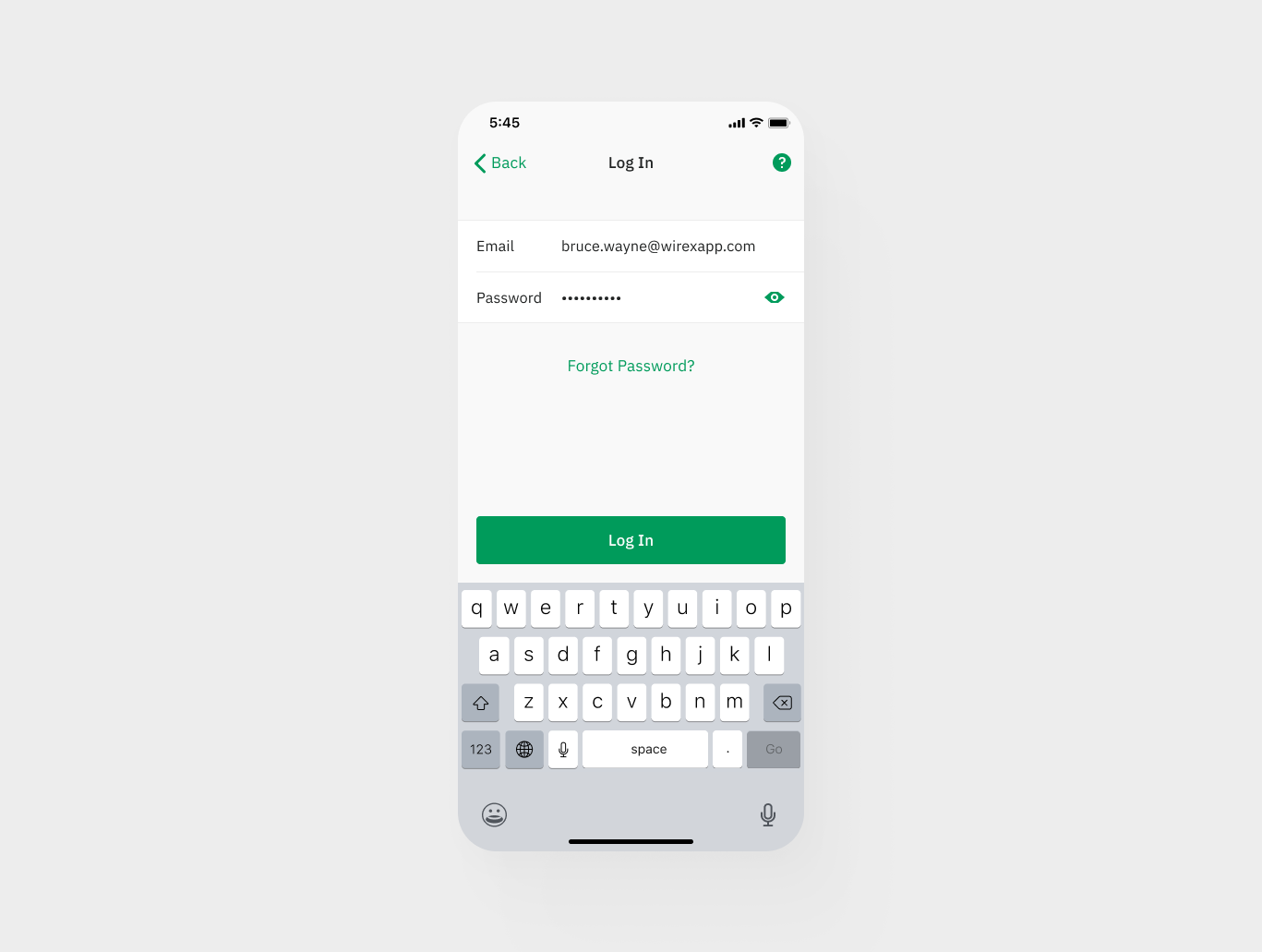
Step 2: Open Cash In or Buy
Choose the account you want to top-up and click the "Add Funds" button on the bottom menu.
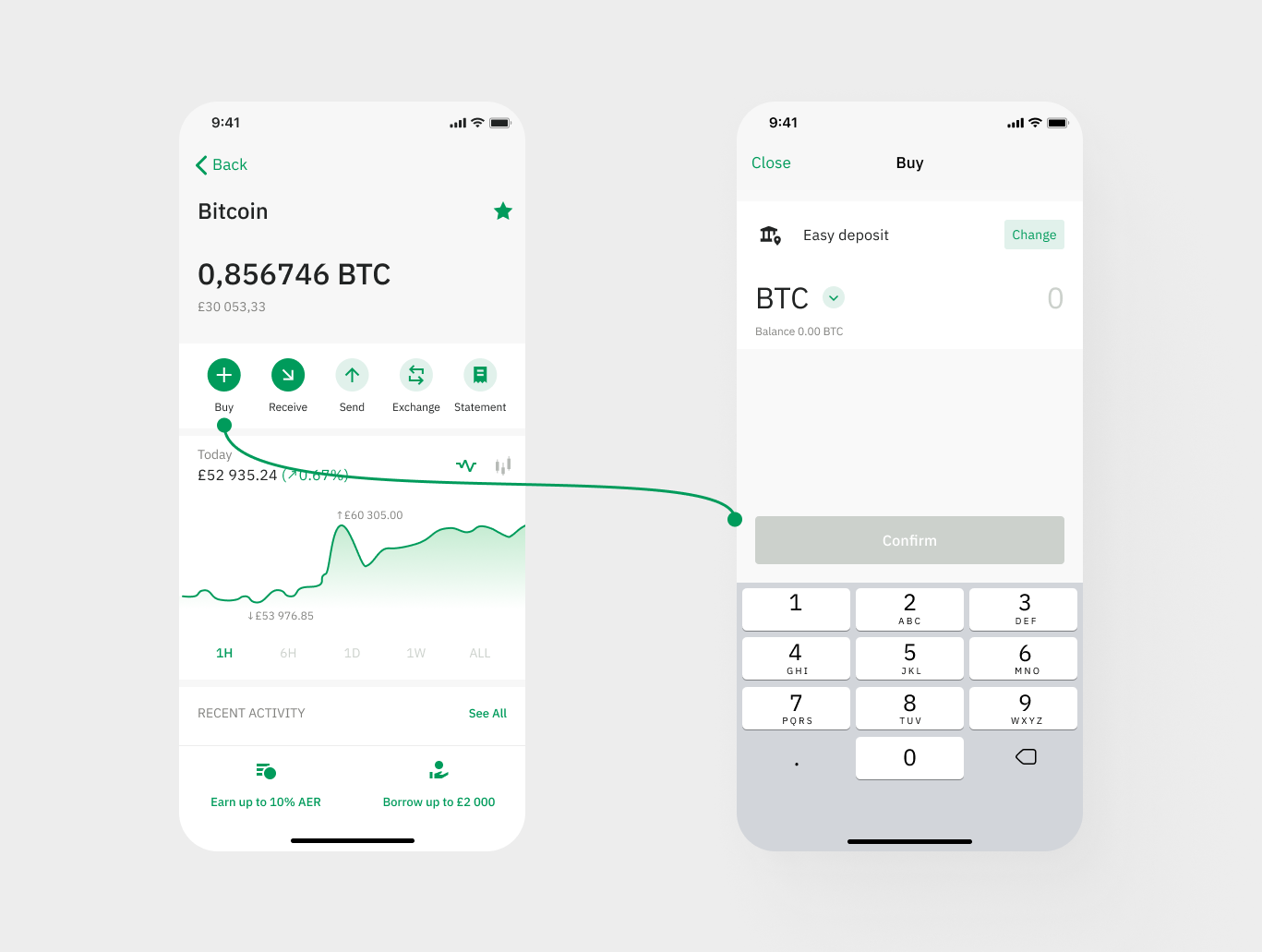
Step 3: Click From New Card
In the "Cards" section, click on the "Add New Card" option.

Step 4: Enter your card details
Enter your card details, including the card number, expiration date, and CVV number. Ensure that the information is accurate and up-to-date.

Step 5: Verify your card
After entering your card details, your bank may require additional verification steps. Follow the prompts to complete the verification process.
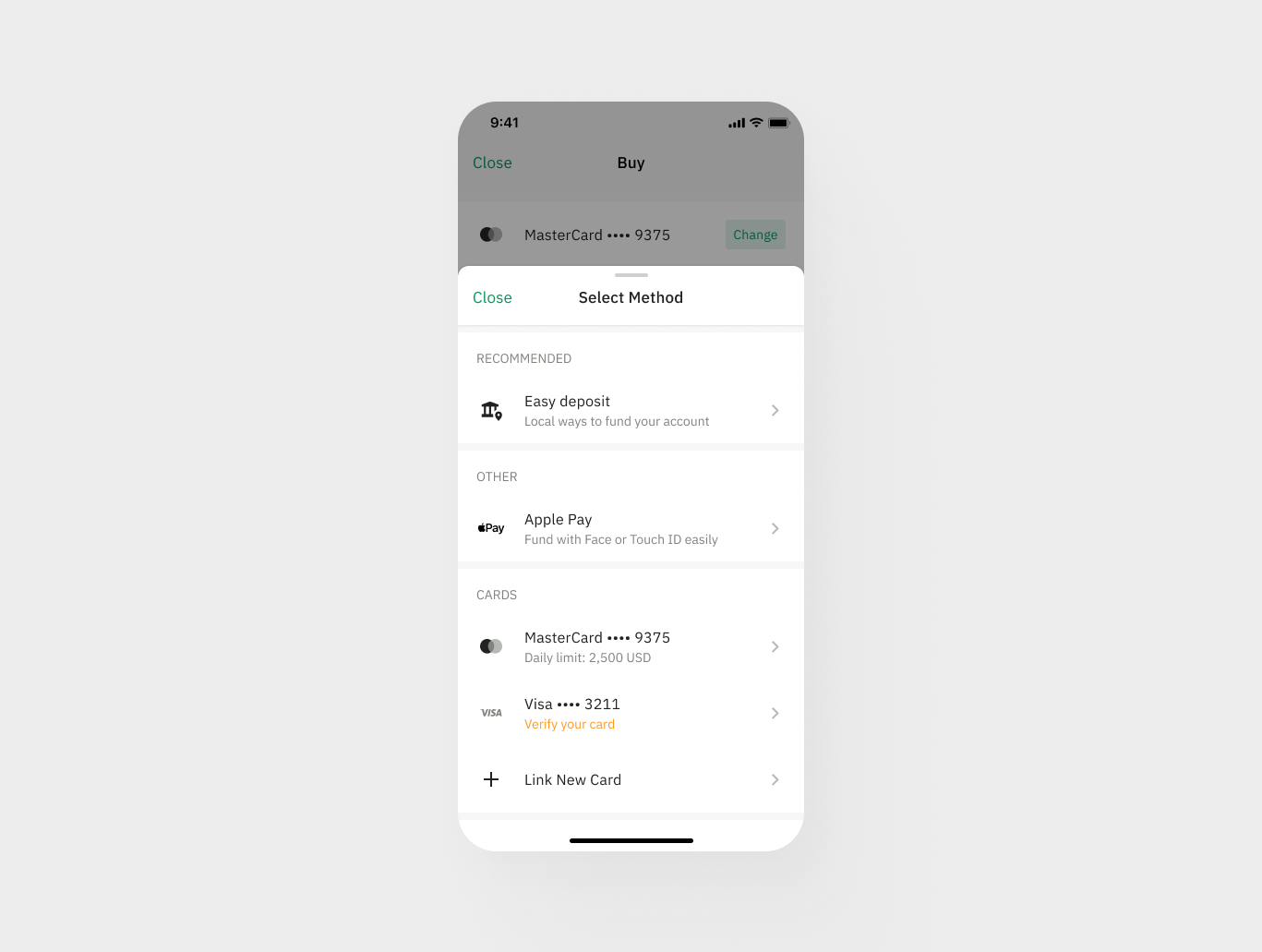
Step 6: Save your card
Once your card has been verified, you'll see a confirmation message indicating that your card has been successfully saved to your Wirex account.
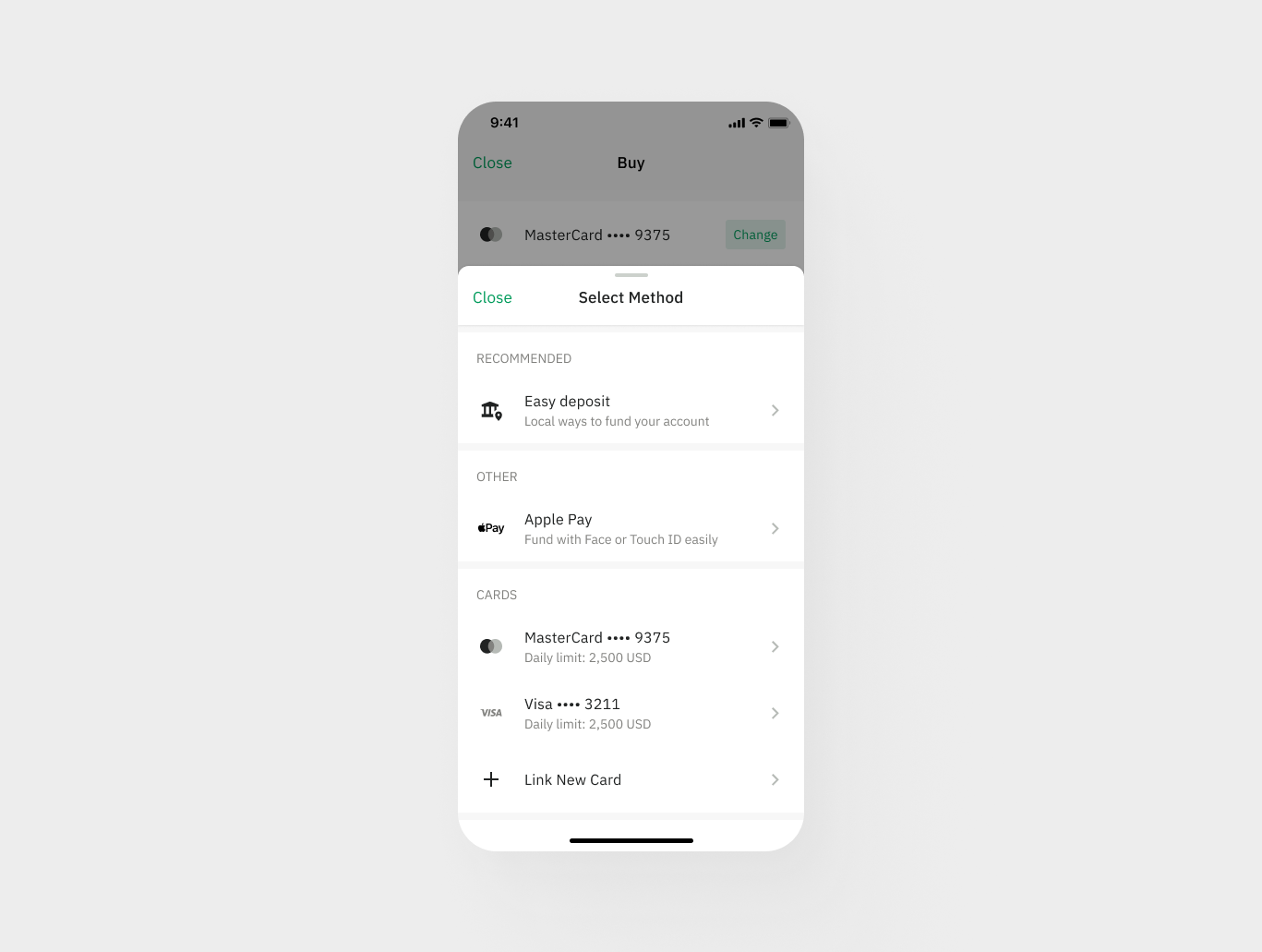
Step 7: Use your card and buy more crypto
You can now use your saved debit or credit card to add funds to your Wirex account and buy cryptocurrencies.
That's it! By following these simple steps, you can save your local debit or credit card to your Wirex account, making it easy to add funds and make purchases.
If you encounter any issues or have questions, don't hesitate to reach out to our Support team via in-app chat.