
With so much of our financial lives managed online, keeping your digital accounts secure has never been more important. At Wirex, we use a combination of advanced technology, strict security controls, and continuous monitoring to help keep your assets and personal data safe. But security is a shared responsibility — and there are several steps you can take to protect your Wirex account from unauthorised access or fraudulent activity.
This guide explains both how Wirex protects your account and what you can do to stay secure whenever you use the app.
1. Create a strong password:
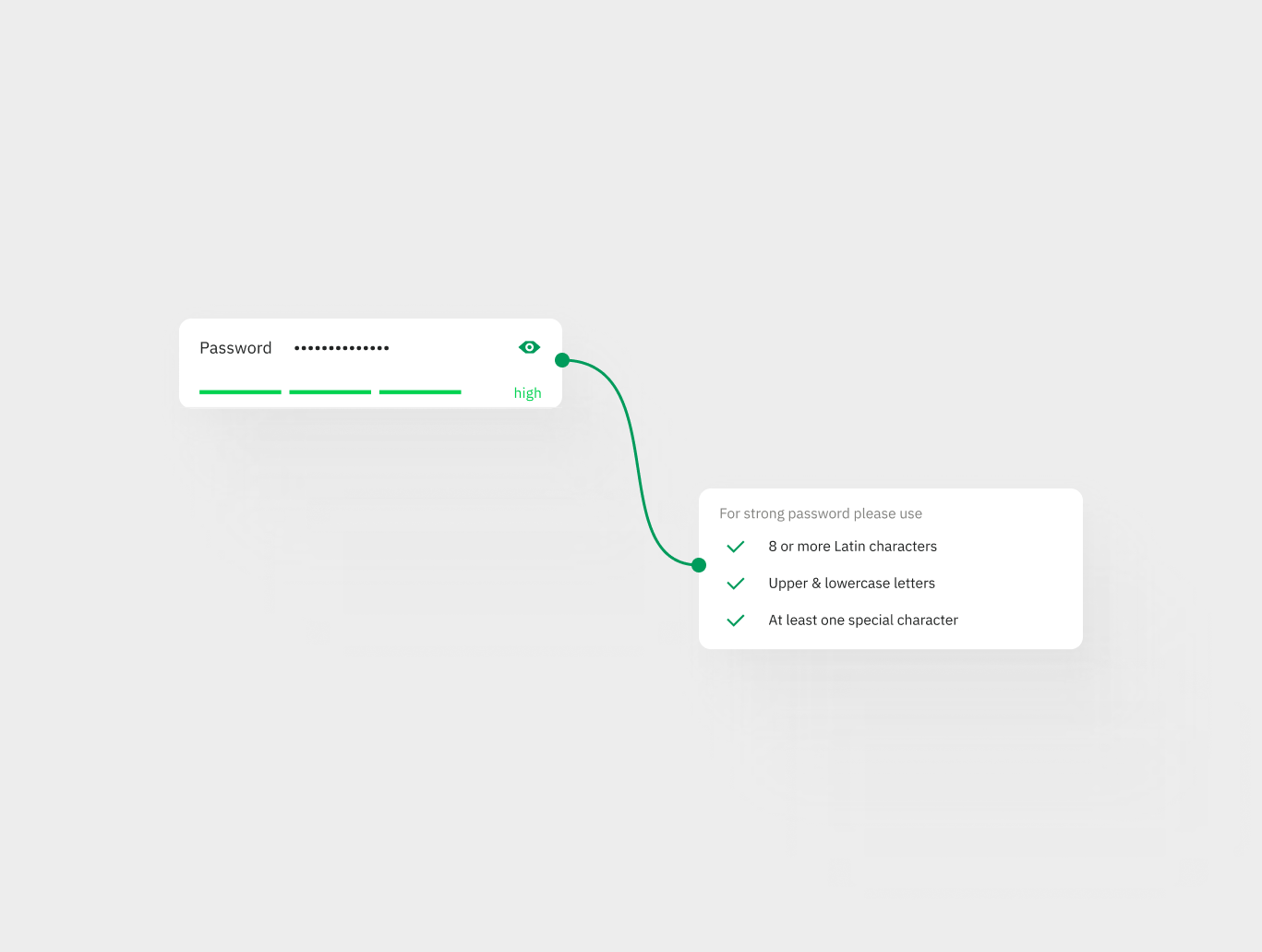
The first step to protecting your Wirex account is to create a strong, unique password. Your password should be a mix of uppercase and lowercase letters, numbers, and special characters.
2. Enable two-factor authentication:
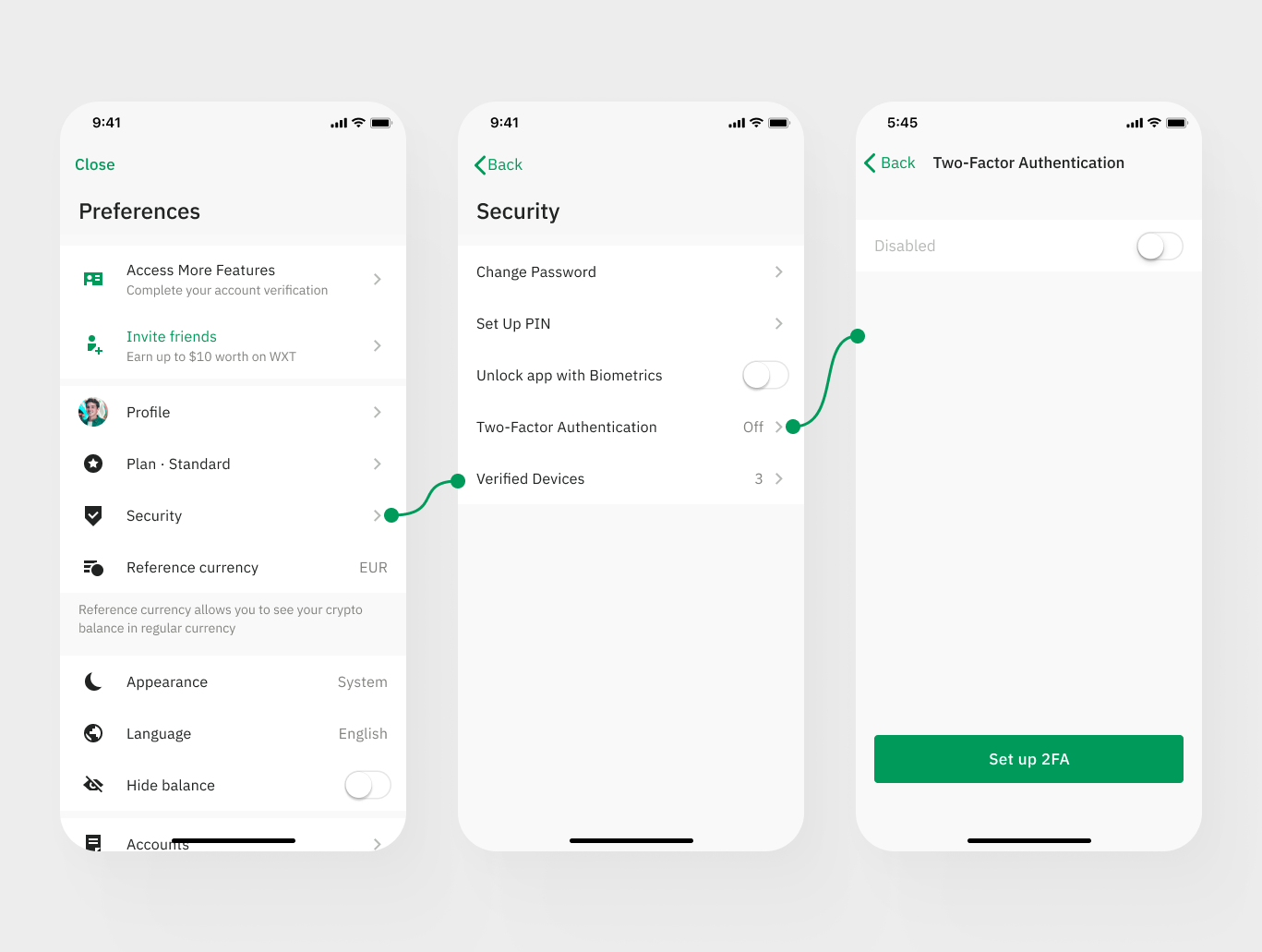
Two-factor authentication (2FA) provides an extra layer of security for your account. You can enable 2FA in the Wirex app by going to "Preferences" > "Security" > "Two-factor authentication." Wirex supports both Google Authenticator and Authy for 2FA.
3. Create a PIN code and enable biometrics::
Wirex also offers the option to set a PIN code and enable biometric authentication (e.g. fingerprint or facial recognition) to access your account. This provides an additional layer of security on top of your login credentials. To enable this feature, go to your account settings and select " Preferences" >” Security” > " Account PIN Code". Then, follow the prompts to create an Account PIN code, which you use on all your devices and enable biometric authentication.
4. Monitor your account regularly:
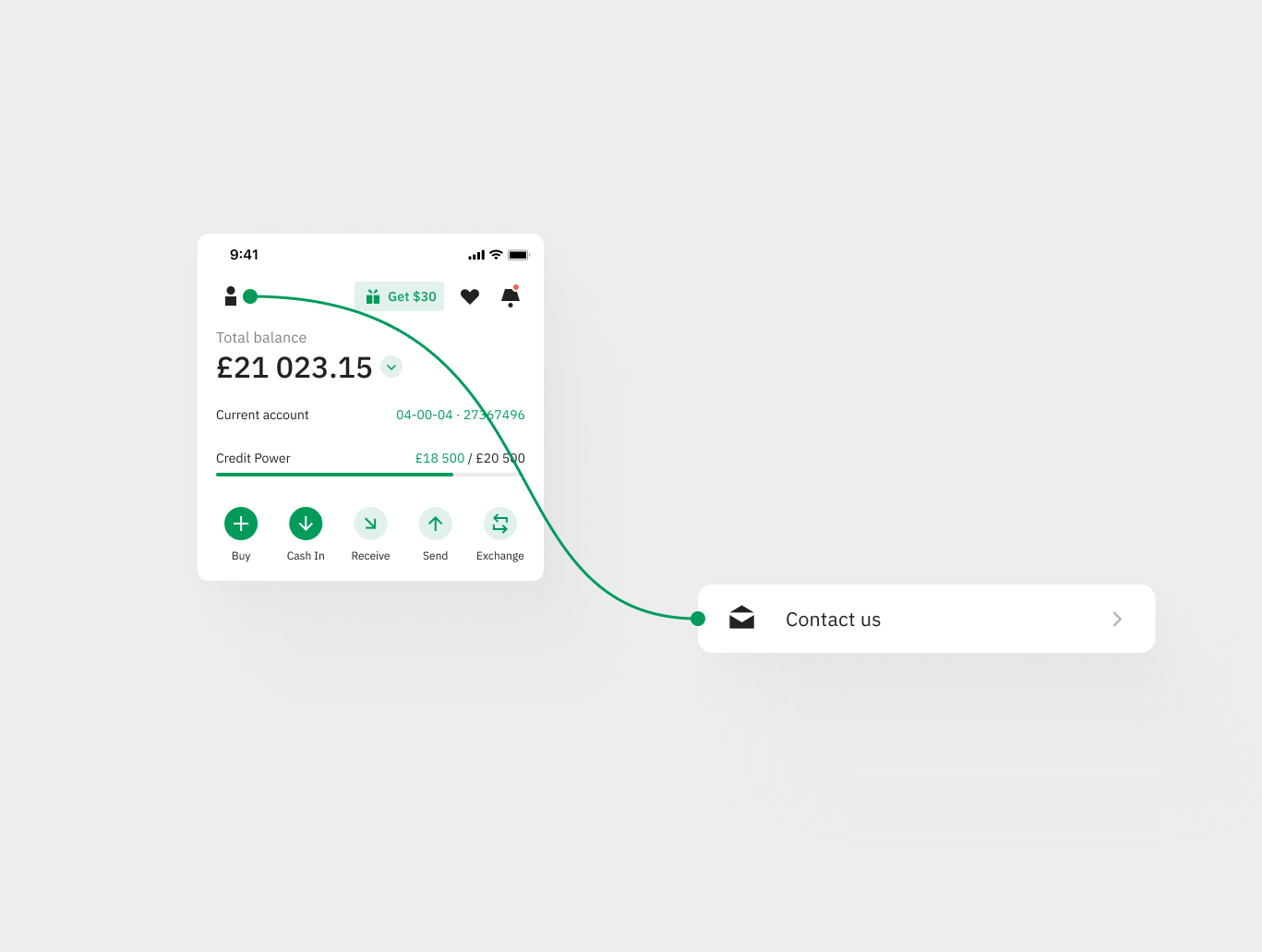
It's essential to monitor your account for any unusual activities. If you notice any suspicious transactions or login attempts, contact Wirex Support immediately.
5. Be cautious with emails and messages:
Wirex will never ask you to disclose your password, one-time passcode, or other sensitive information. If you receive an email or message that asks for this information, it may be a phishing attempt. Always be cautious and verify the authenticity of the message before responding.
By following these steps, you can help protect your Wirex account from unauthorised access and fraudulent activity. Remember to stay vigilant and take action if you notice anything suspicious.